
Use AuditGate
Alerts and notifications
Get told about the things that matter in Slack, email or your own systems.
An alert rule says: when this happens, tell this place. Create them under Alerts, for one project or the whole workspace.
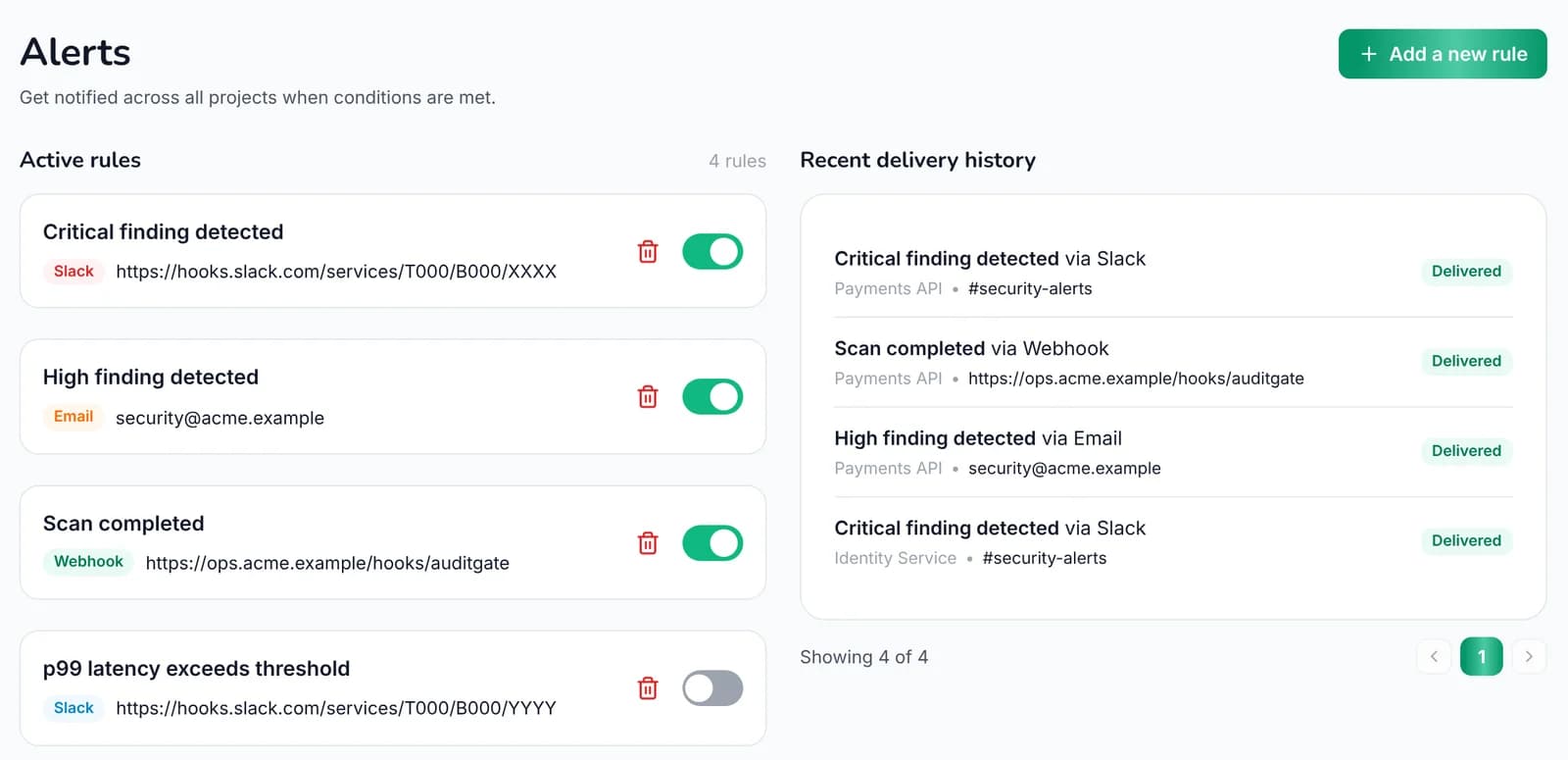
Alert rules#
| When | Fires on |
|---|---|
| Critical finding | A new critical finding |
| High finding | A new high finding |
| Scan completed | Any scan finishing |
| Latency exceeds | Slow responses through the proxy, above a limit you set in milliseconds |
| Error rate exceeds | Too many 5xx errors through the proxy, above a percentage you set |
Send alerts to an email address, a Slack channel or a webhook. Choose Send test to check it works. Each rule keeps a delivery history, so you can see whether an alert went out. The channels and number of rules depend on your plan.
Slack#
- In Slack, create an incoming webhook and choose the channel.
- In AuditGate, create an alert rule with Slack as the channel and paste the webhook URL.
- Choose Send test.
Messages include a short summary and a link to the finding or scan.
Your own notifications#
Everyone chooses their own emails under Settings → General:
- Critical findings in your workspaces
- Scans finishing
- A weekly summary
- Live notifications in the app
- Occasional product news