
Account
Team and roles
Invite your team and decide who can do what.
Your team works in a workspace. Everyone in it has one of three roles, and the role applies to every project in that workspace.
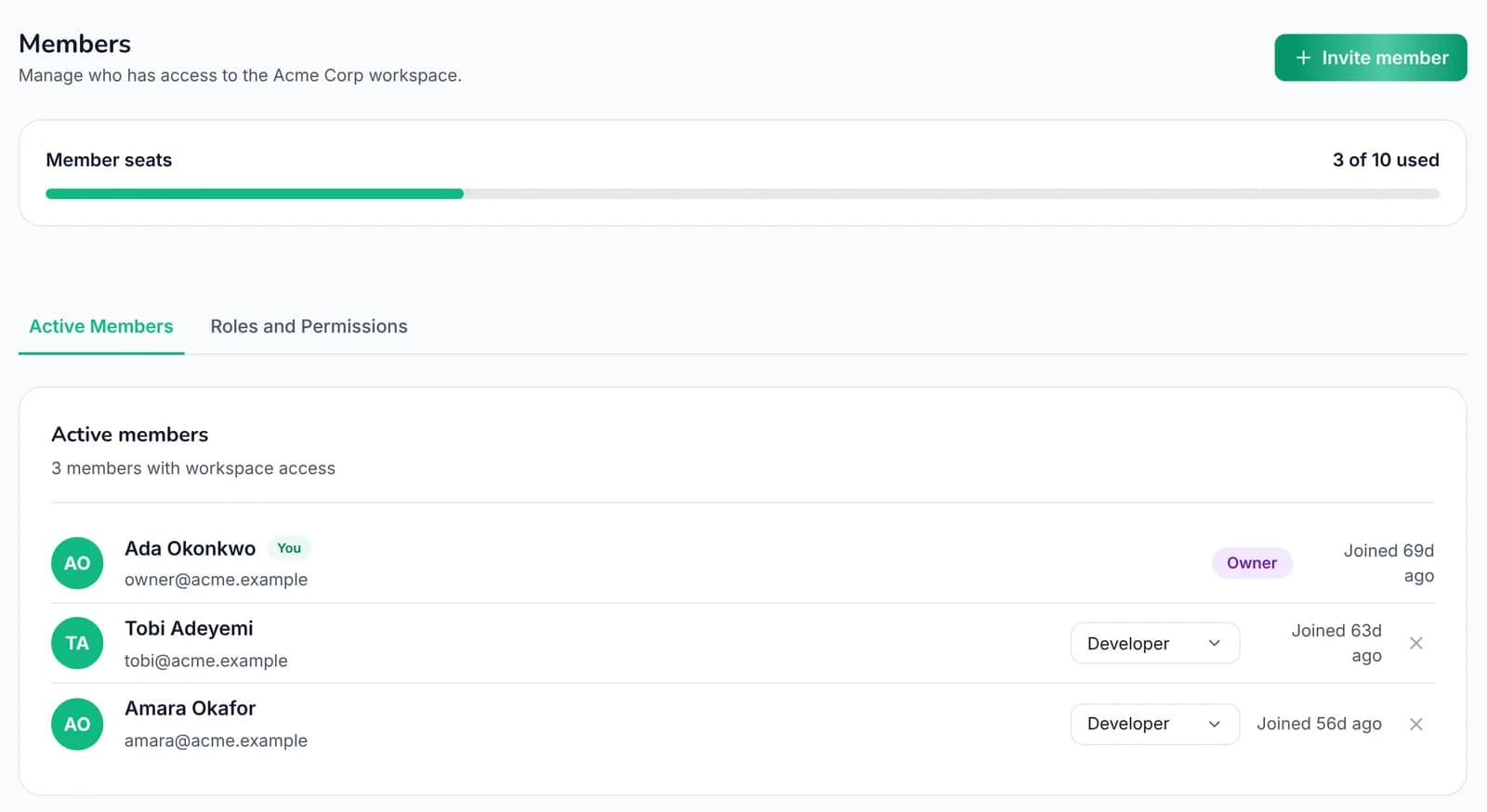 1234
1Invite someone
2Seats used
3See what each role can do
4Change someone's role
| Can | Viewer | Developer | Owner |
|---|---|---|---|
| See projects, scans and findings | Yes | Yes | Yes |
| Run scans, assign and update findings | Yes | Yes | |
| Manage alerts and reports | Yes | Yes | |
| Manage keys, CI tokens and test users | Yes | ||
| Invite and remove people | Yes | ||
| Manage billing, rename or delete the workspace | Yes |
Most engineers should be Developers. Keep Owner for the few people who handle billing and keys.
Invite someone#
- Go to Settings → Members and choose Invite.
- Enter their email and pick a role.
- They get an email. People who already use AuditGate join straight away; others create an account first.
You can resend or cancel pending invitations from the same page.
Change or remove access#
Owners can change anyone's role or remove them. It takes effect immediately.